
My Experience with Hive Studio: A Walkthrough

My Experience with Hive Studio: A Walkthrough
> Estimated reading time: 2 minutesHello Hive Community.
Today I will want to share my experience with using Hive studio that was created by our very own @justola1.
CONTENT MAP
[01] Discovering Hive Studio
[02] First Dive: Features and Templates
[03] The Publishing Workflow
[04] My Take & An Invitation
Discovering Hive Studio

Image Is Generated Using Meta AI
So this is how I got intrigued, for a while, whenever I come across Ola's post , I always wondered which frontend he used in making his post, so I searched every markdown post I could find but I couldn't find anything.
Until few days ago when I stumbled on his post about How to Use Hive Studio. See post here.
It was from this post I discovered he actually created HIVE STUDIO and I had to give it a try
So I reached out to him on the comment section if his post above and later got into his discord.
First Dive: Features and Templates
After a successful login to the Dapp , I was fascinated by the Magic brush option. Like you could choose the template option that works for you.
So I wanted to do a post on Hive learners that day and so I picked the flow post walk through template.
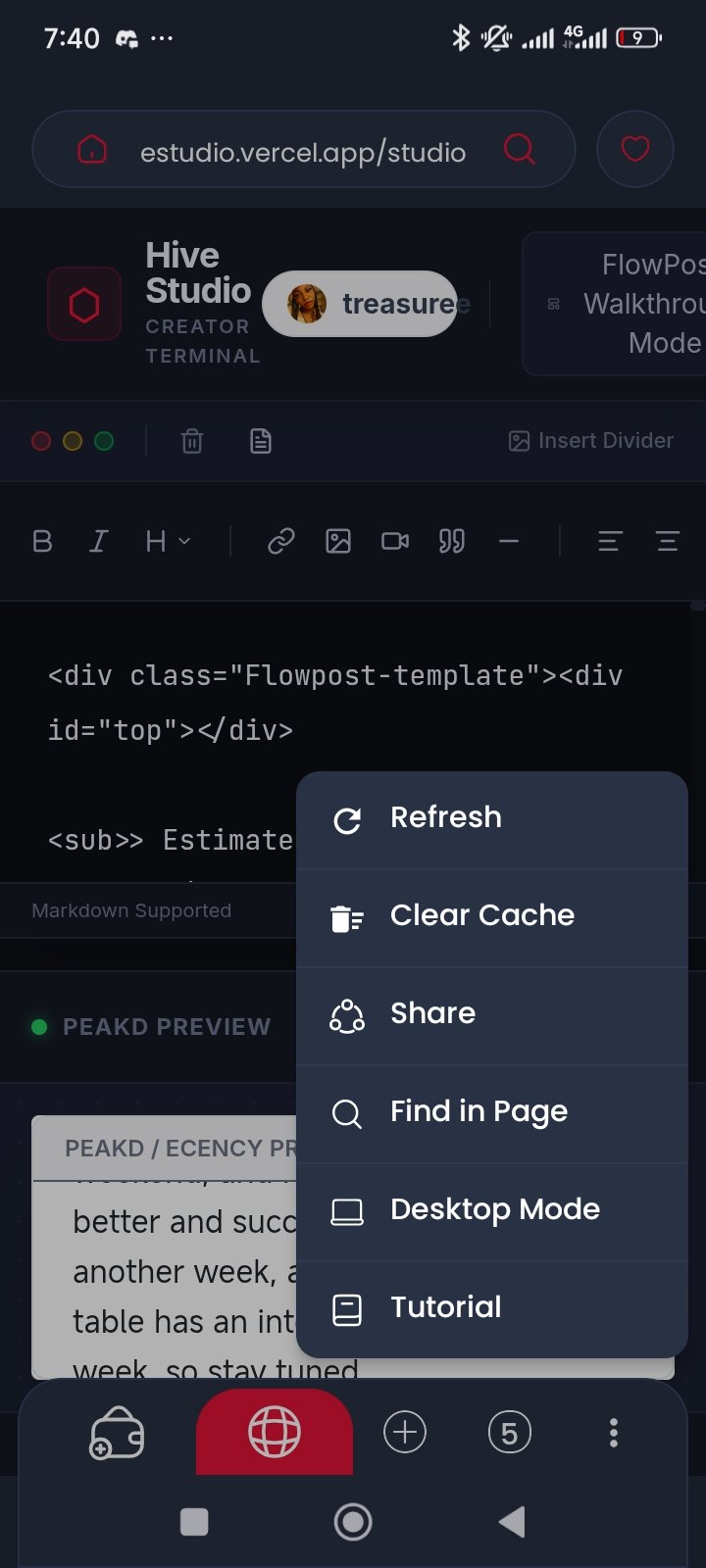
Okay so before I put in my draft, I had to login with keychain since I was using mobile and I activated desktop mode option ,which helped me to see my preview, and I must say I really like that template , though I had to ommit some titles it gave me , because I had a title of my own. But aside this , i feel it is a good option for people who find it difficult to properly put their post in an orderly manner and also for people who want their post to be in a really nice format.
The Publishing Workflow
The process isn't tedious at all, it's just to put in your writeup , add images to your write-up and then select the template you would want for your post. Currently there are about 4-5 templates you can choose from, then use the MAGIC BRUSH option.
From here , after being satisfied with how your post looks , you go ahead to click on the publish button, it will bring you to the page where you pick your community, To add tags, just like you would if you are using Peakd , Ecency or any other front-end.


My Take & An Invitation
What I do like more about Hive Studio is the magic brush , cos it automatically makes your post well arranged.
So this post is an invitation to Hiver to publish their post using Hive Studio. Do give @Justola1 reviews about this Dapp of his.
I will be tagging few persons here on this post. @merit.ahama @goldenproject @chefqueen @afrikens @samostically @justfavour @van.illa @daverick @marsdave @burlarj @vickoly @hipestylist @nkemakonam89 @quduus1 @yechee @cohlson @henryjnrr @jamerussell @bipolar95 @abenad @nhaji01
Ps: This post was published Using Hive Studio.
https://hivestudio.vercel.app/studio


Thank You so much @treasuree for using Hive-Studio and giving a great review 🚀🚀
♥ ✨