
building a new photo catalog ...

Since i've replaced my Synology 918+ NAS with a Ugreen DXP8800 plus NAS [ network atached storage ] i lost my photodatabase since that software was synology only .
So i had to rebuild something on new hardware and software.
There are two programs that stood out for me : immich and photoprism .
Both programs run in a docker container where the immich also has a backup function for your mobile phone with it's own phone app .
Photoprism doesn't have his own phone app , but does have a great AI to help you to catolog your photos .
It marks the photos on subject , colour and location if there is any gps data in the exif .
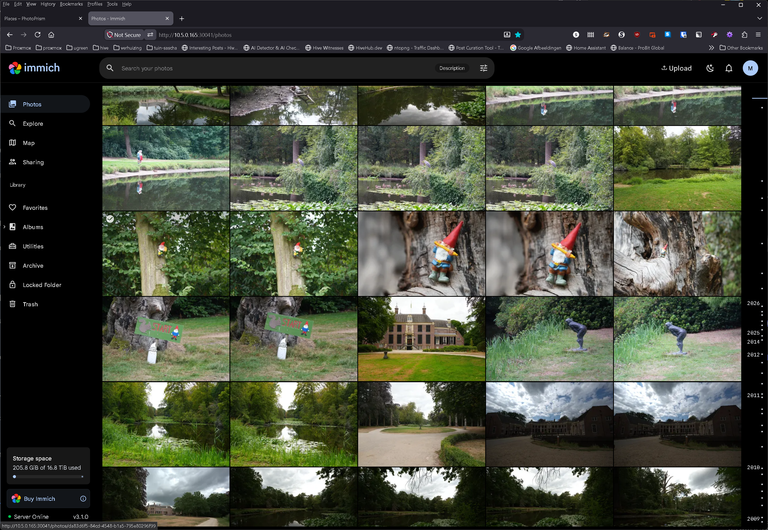
main page in Immich :
main page in Photoprism:

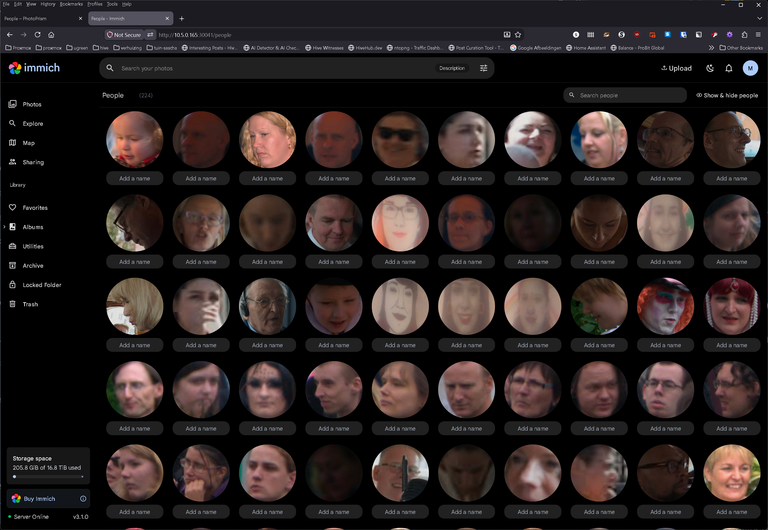
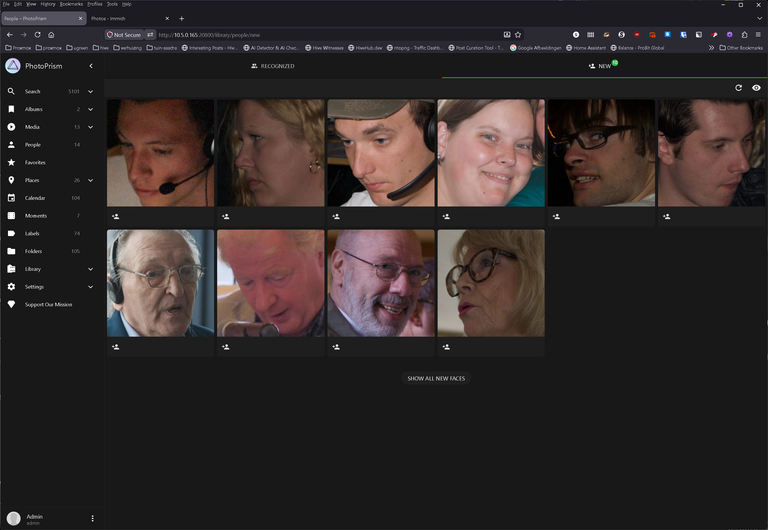
people recognition works very well in both programs :
people page in Immich :
people page in Photo prism:
locations of where you took your photos in Photoprism :

locations shown in Immich :

the big difference so far :
in Immich there is an option to trash duplicates if you want a clean database :

in Photoprism the AI makes it possible to sort photos on color , in this case i chose pink :

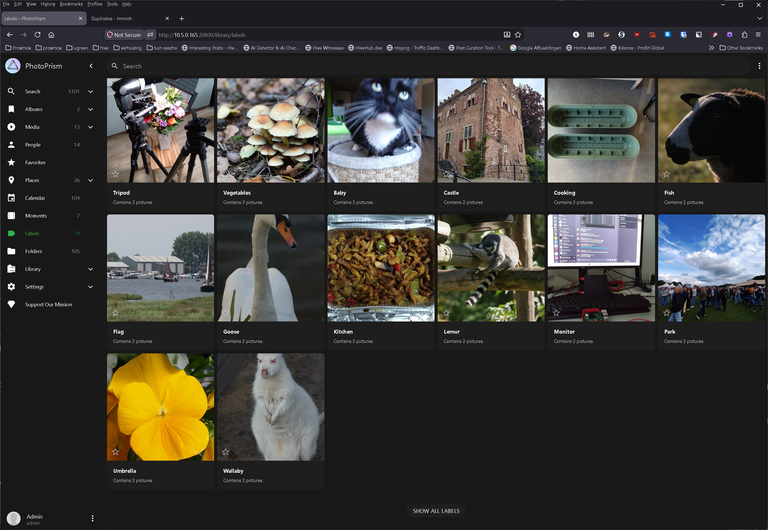
the same AI in photoprism also detects or atleast it tries to detect the subject in your photo making it a lot easier to search for a certain image.

and when i say it tries i mean some times i wonder ..
the tripod is right but then ...
mushrooms not vegetables
our cat not a baby
Old house not a castle
planting container not cooking
Sheep not a Fish
sailboats no flags
swan not a goose
food not a kitchen
yellow violets not an umbrella so it's not perfetc yet , but on averag it seems fine.
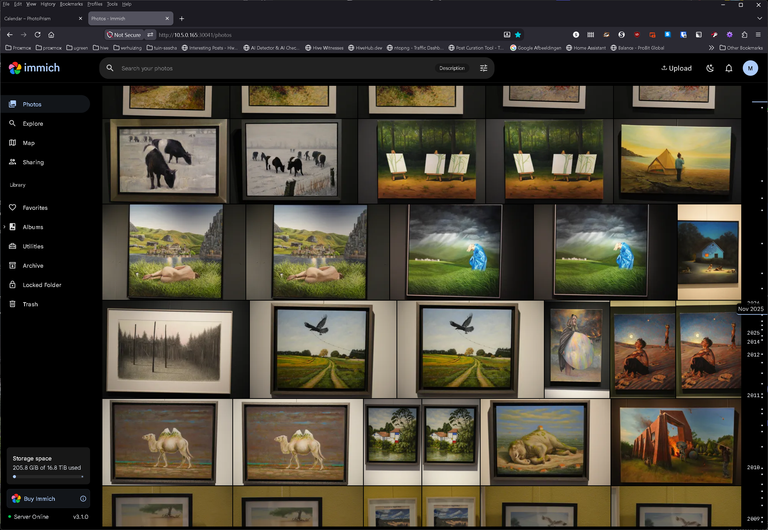
and finally browsing on date in Immich it looks like this timeline on the right of your screen :
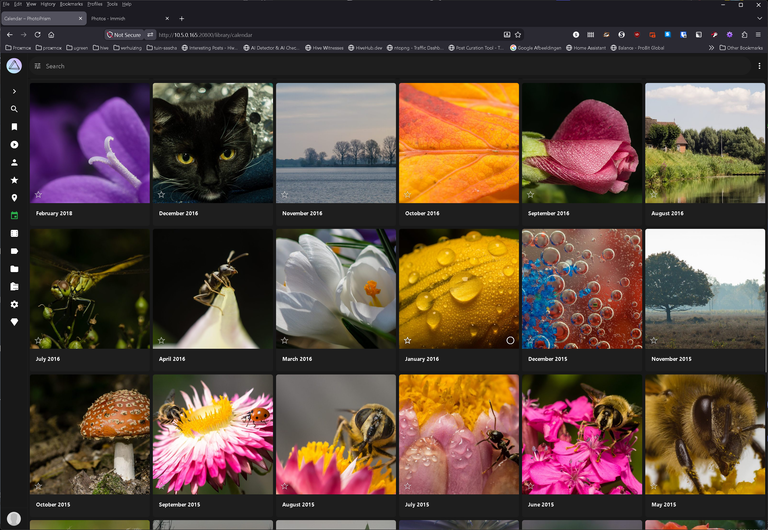
but in photoprism you have a map for each month:
Although the uploading / processing of the photos takes a lot longer in photoprism i think i will be using that from now on it gives me more detailed info on my photos making it easier to find that specific photo again .
Both programs are free to use at the moment :
for photoprism : https://www.photoprism.app/
but you can pay a monthly fee
for Immich : https://immich.app/
and has the option for one time payment.
all screen shots are mine :)
ARGGHHHH work in progress :( i did hit the publish to soon instead of the save button ...
post is updated now :)
Please make sure your witness votes are still on active witnesses , there are a lot of inactive witnesses still getting votes holding back the new ones .
If you have any votes left ,
I would be a happy witness if you vote for my witness " stresskiller "here :
https://vote.hive.uno/@stresskiller
or here https://peakd.com/witnesses?witness=stresskiller
And for my new witness @stress.node
https://vote.hive.uno/@stress.node
or https://peakd.com/witnesses?witness=stress.node
Are you running both now? Hubby installed immich a while back and it's pretty good, very happy with it
i have indeed both installed at the moment, for me most images come out of my camera co i need to hook it up to my pc and then copy the files to my NAS and not automaticly like you can do with immich on your mobile phone . The image size in my camera is +/- 33 MB per foto in RAW format so it's a lot fast through a USB 3 cable then with WIFI .
Therefore using Photoprism actually has more bennefits for me , since it ads keywords to the images and adding keywords is something i was not able to do in immich automaticly.
but for now i just keep them both running on my NAS plenty of HDD space and memory on my NAS so that won't be a problem soon .
Esto es genial, la opción de “trash duplicates” en Immich la encontré súper práctico. La AI de Photoprism que clasifica por color, como ese filtro rosa, muestra que la diferencia se nota. ¿Probaste usar la app móvil de Immich junto con la AI de Photoprism?
No i haven't tried that yet , since most photos i take is with my Sony Alpha Cameras Sony A6000 . Sony A7II and Sony A7IV and not with my mobile phone