
Pocket Toolbox Update: Finance, Visual Dashboards, and Encrypted Backups

In my first Pocket Toolbox post, I mentioned wanting to build a more complete financial tool inside Termux.
That part is now available. 😎
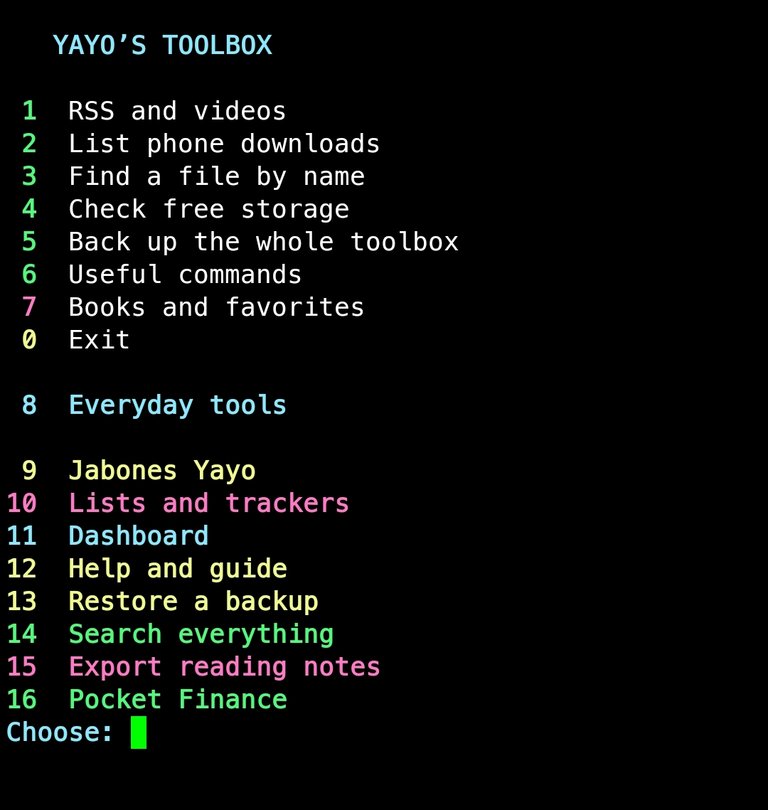
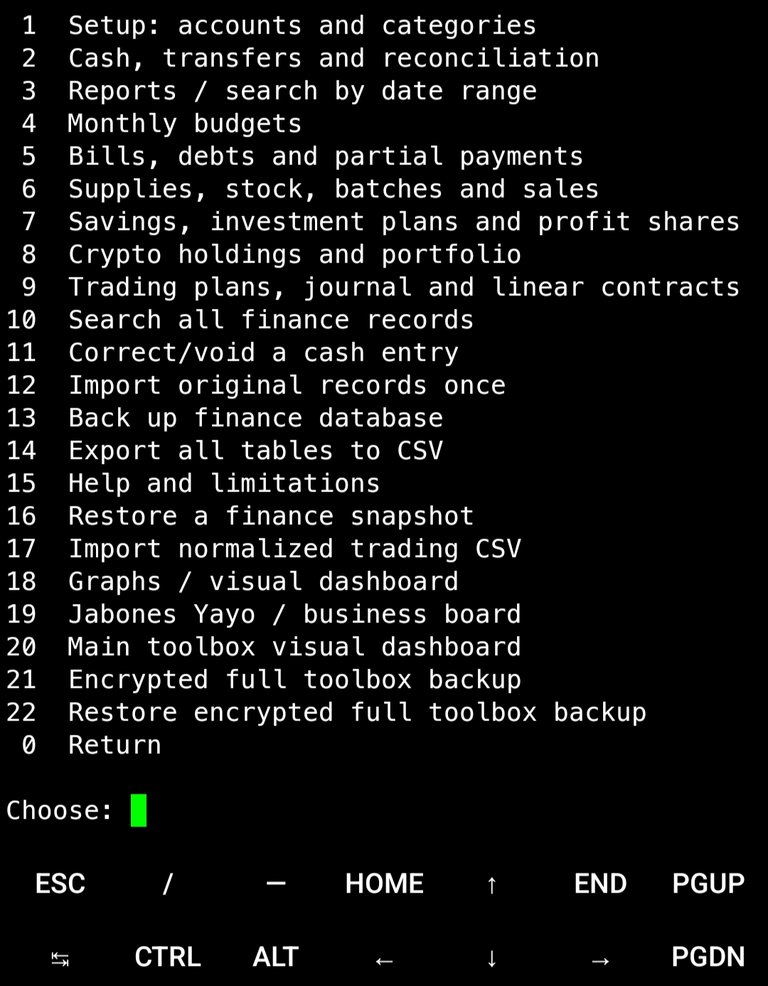
Pocket Toolbox 0.2.1 beta adds personal and business finance, inventory and production records, investment planning, crypto portfolios, trading journals, and visual dashboards.
It’s still free and open source.
Beyond a basic budget log
The finance tools now let you set up accounts, opening balances, and categories while keeping personal and business records separate.
You can record income, expenses, transfers, monthly budgets, bills, debts, and partial payments. Search records by date, review reports, correct entries, and export data for spreadsheets.
Transfers between accounts are treated as transfers. Paying a bill already recorded through the system creates its linked payment, so you don’t need to enter the expense again elsewhere.
The purpose is to keep records you can continue using over the years, without starting over every month.
Business, stock, and production
My own version grew around Jabones Yayo. The public version lets you configure your own project name.
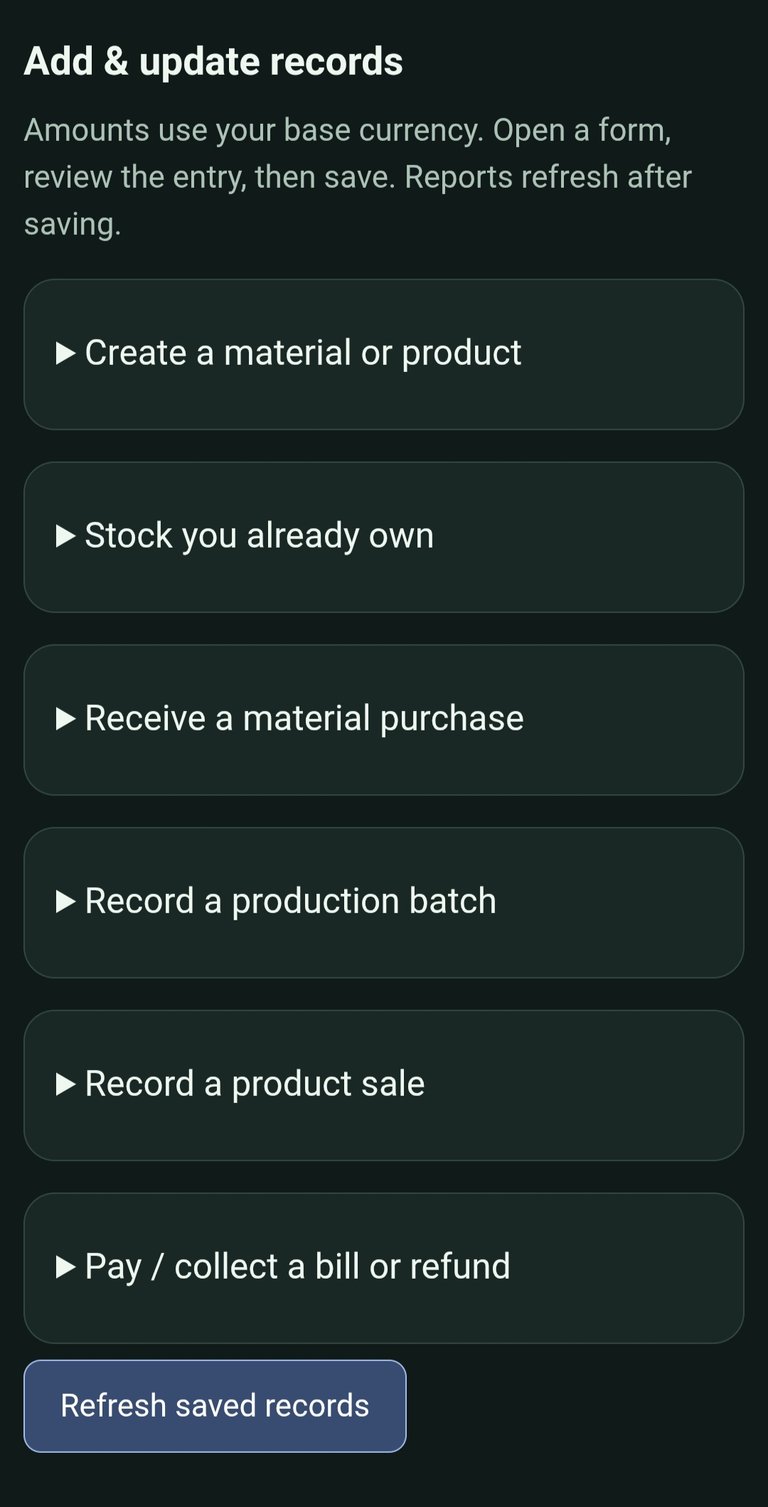
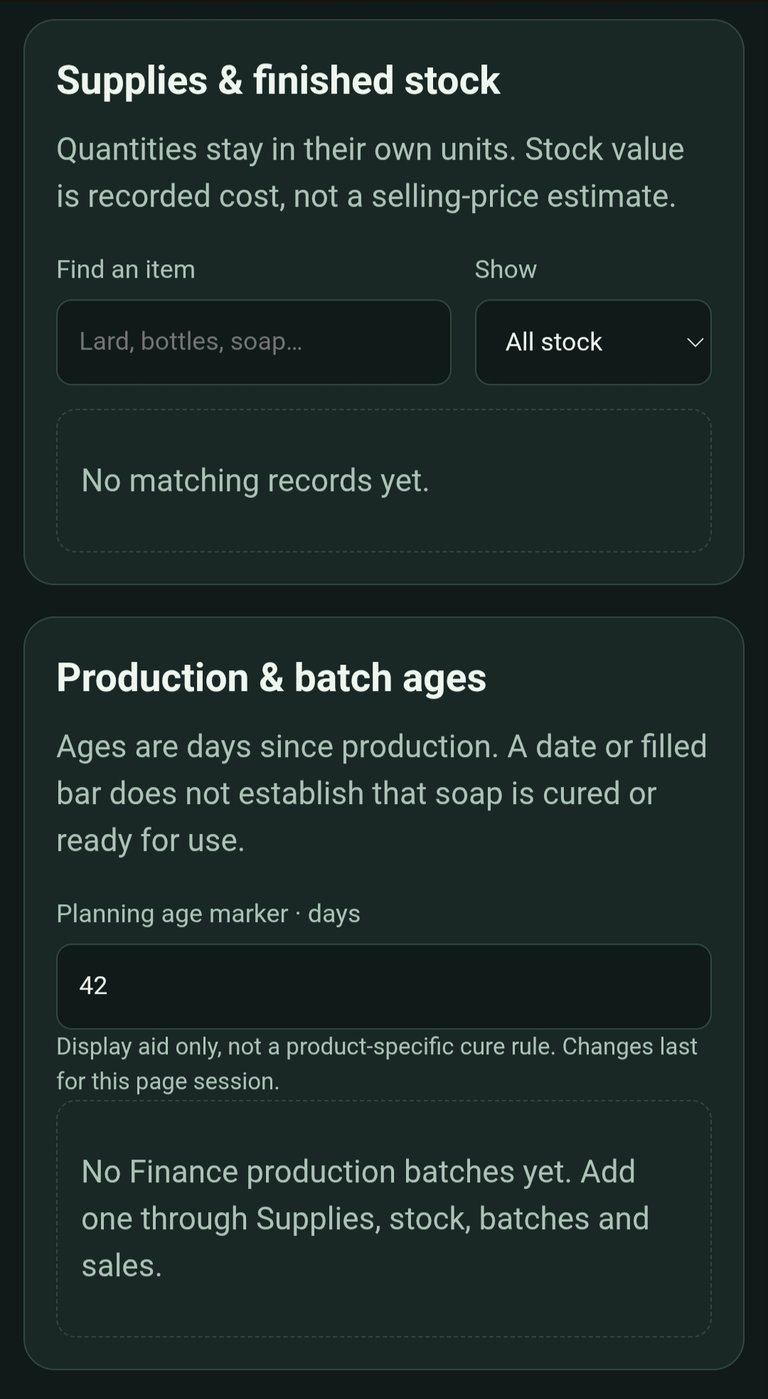
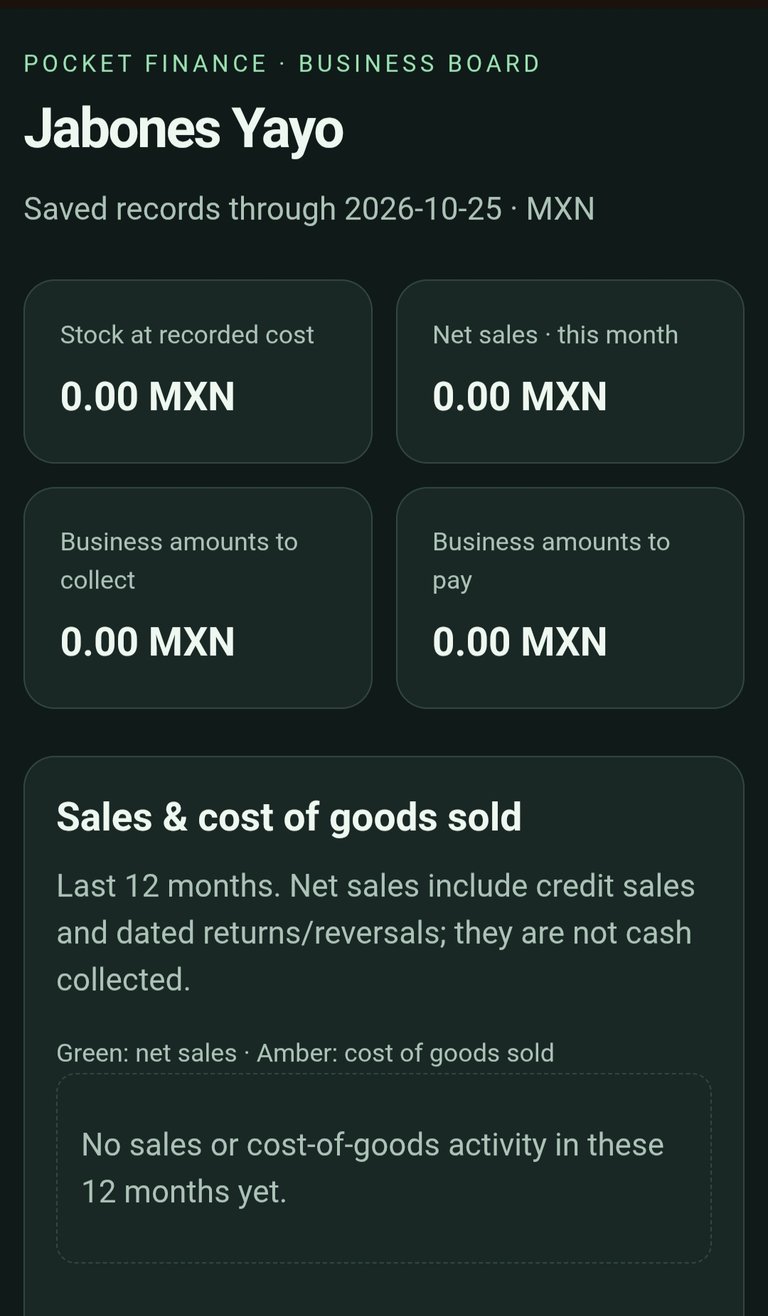
The business tools track materials, stock purchases, production batches, sales, customer and supplier balances, returns, and payments.
Production records can include materials, labor, and overhead. Saved batch costs remain tied to that batch, even when ingredient prices change later.
There’s also support for recording profit shares from an explicitly approved profit amount. The program doesn’t assume that every peso left after buying materials is distributable profit.
Investments, crypto, and trading
There are now tools for savings goals, investment plans, manual crypto holdings, and trading records.
You can record purchases, partial sales, swaps, rewards, fees, and transfers between wallets or portfolios. Trading plans and journals give you somewhere to keep the reasoning behind a trade alongside its outcome.
Prices are entered manually. There’s no exchange connection or automatic order execution. These tools organize your records and plans; they don’t trade for you.
Now with visual boards
I wanted graphs instead of having to read everything as rows of numbers.
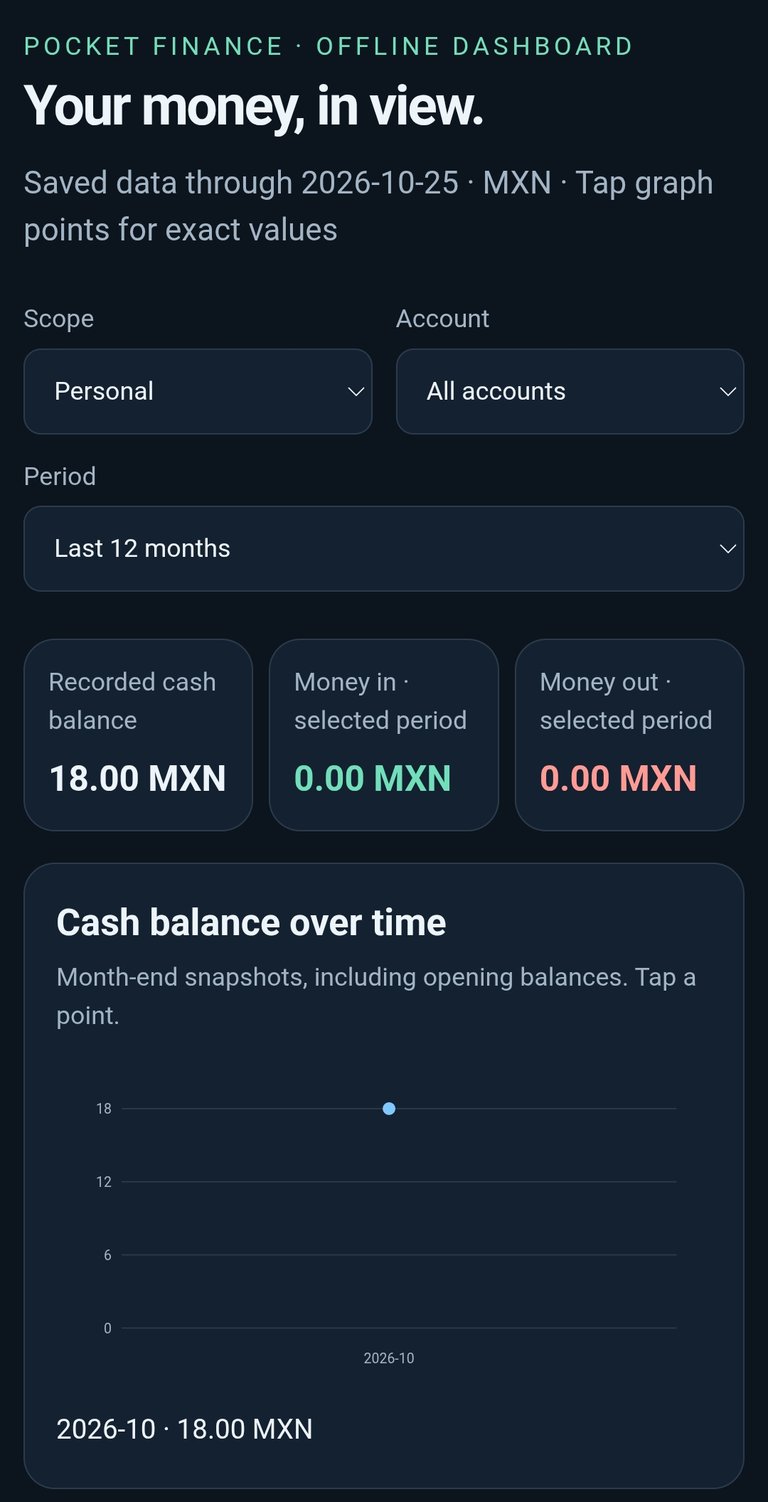
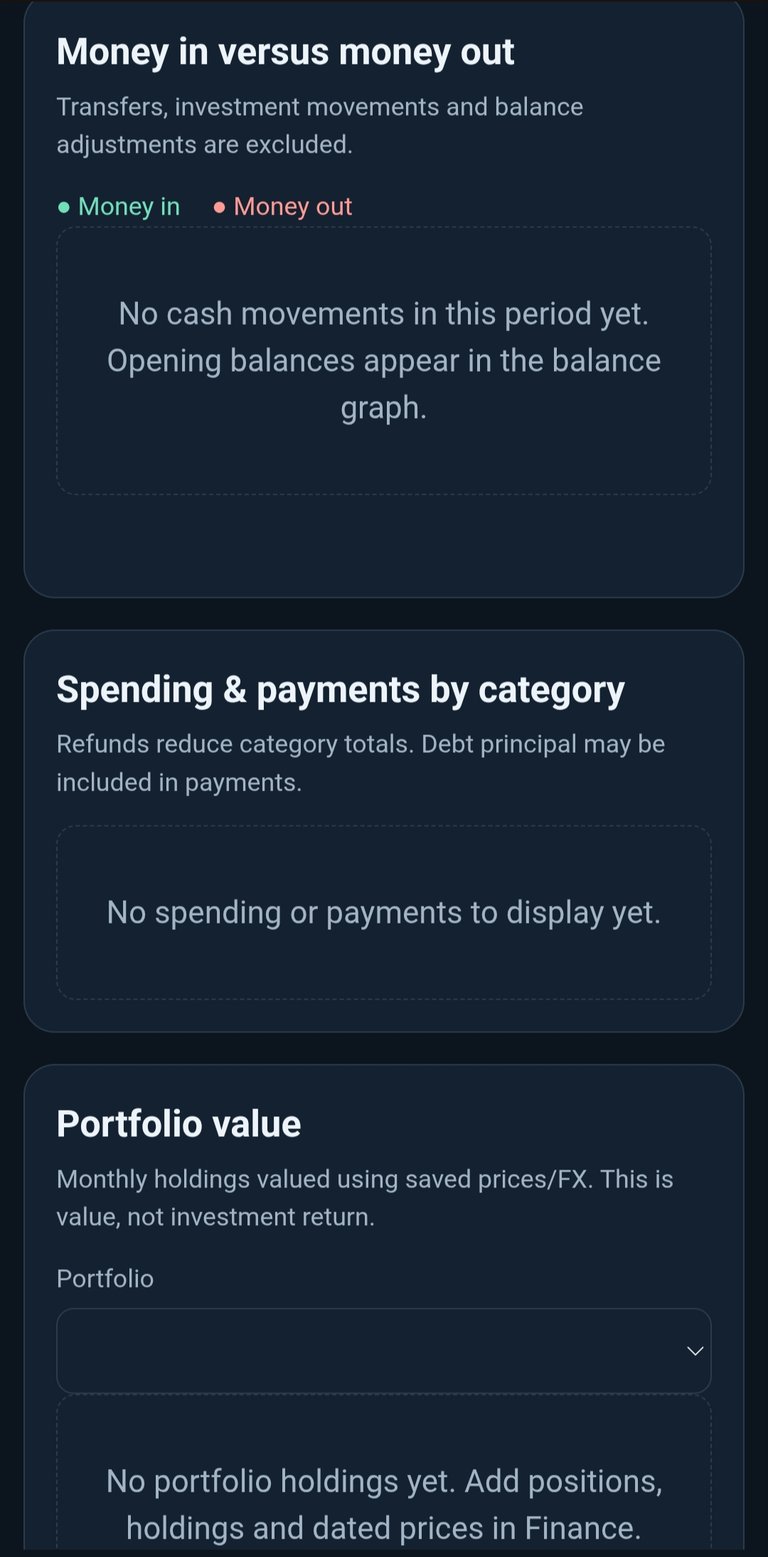
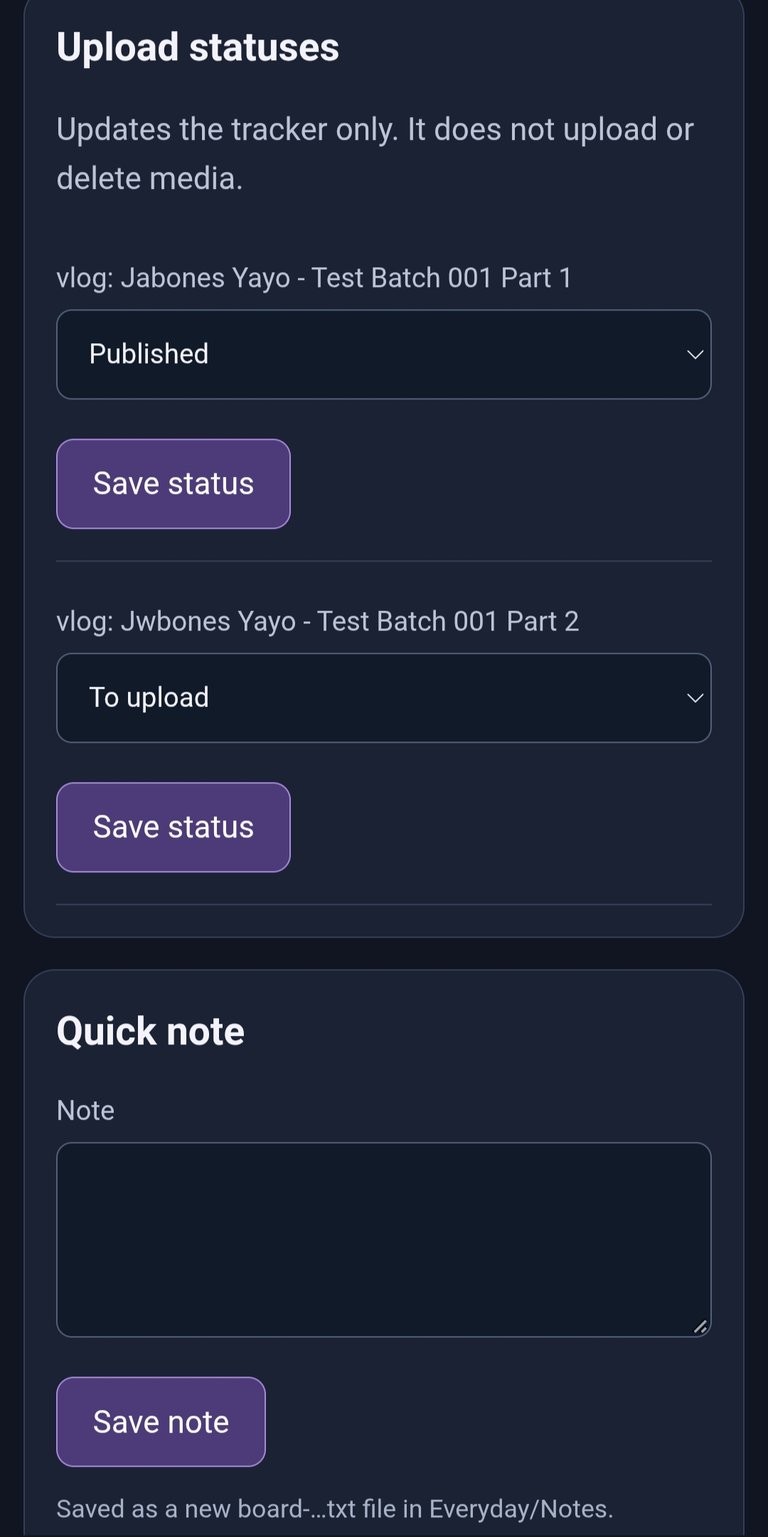
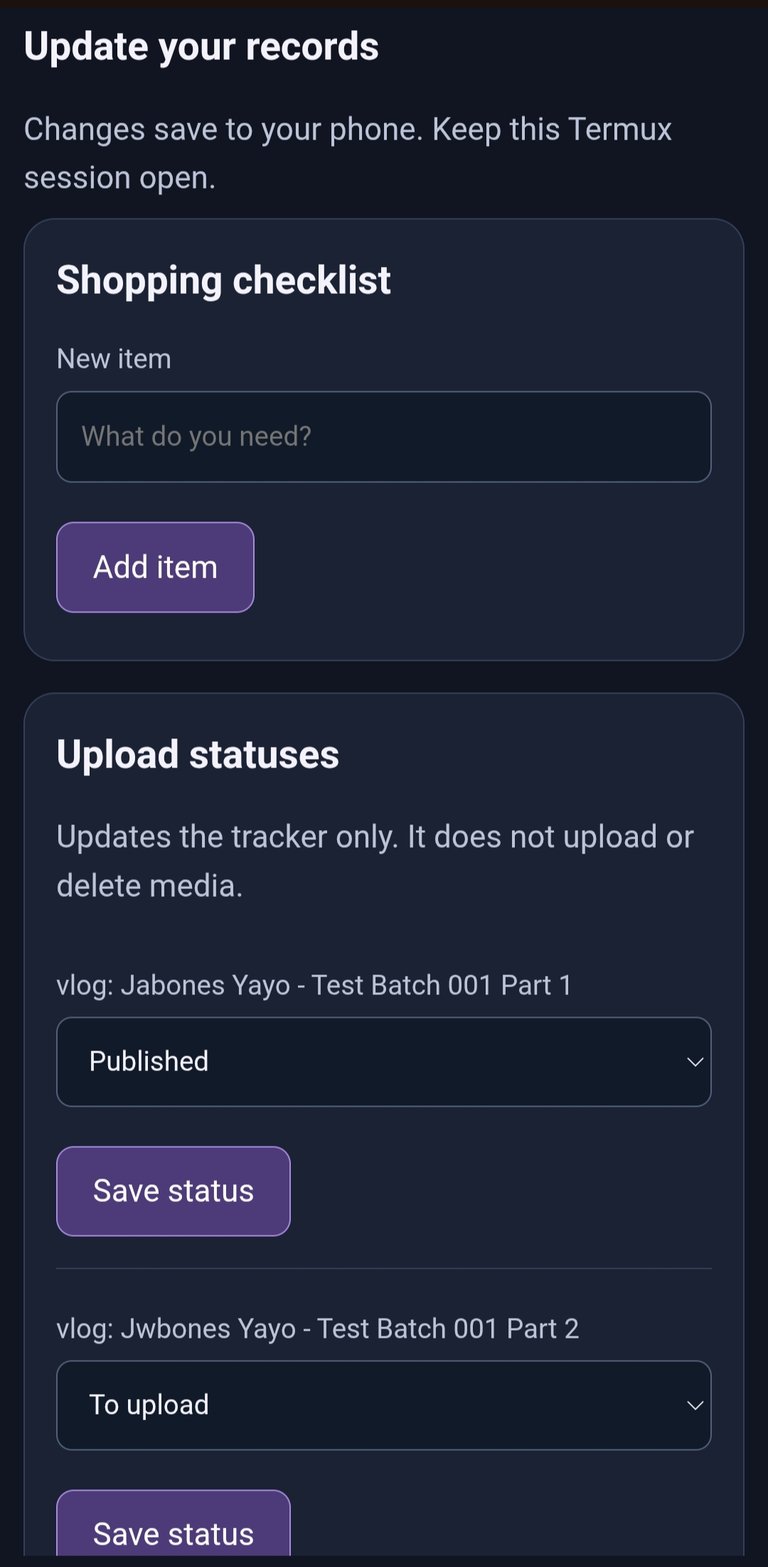
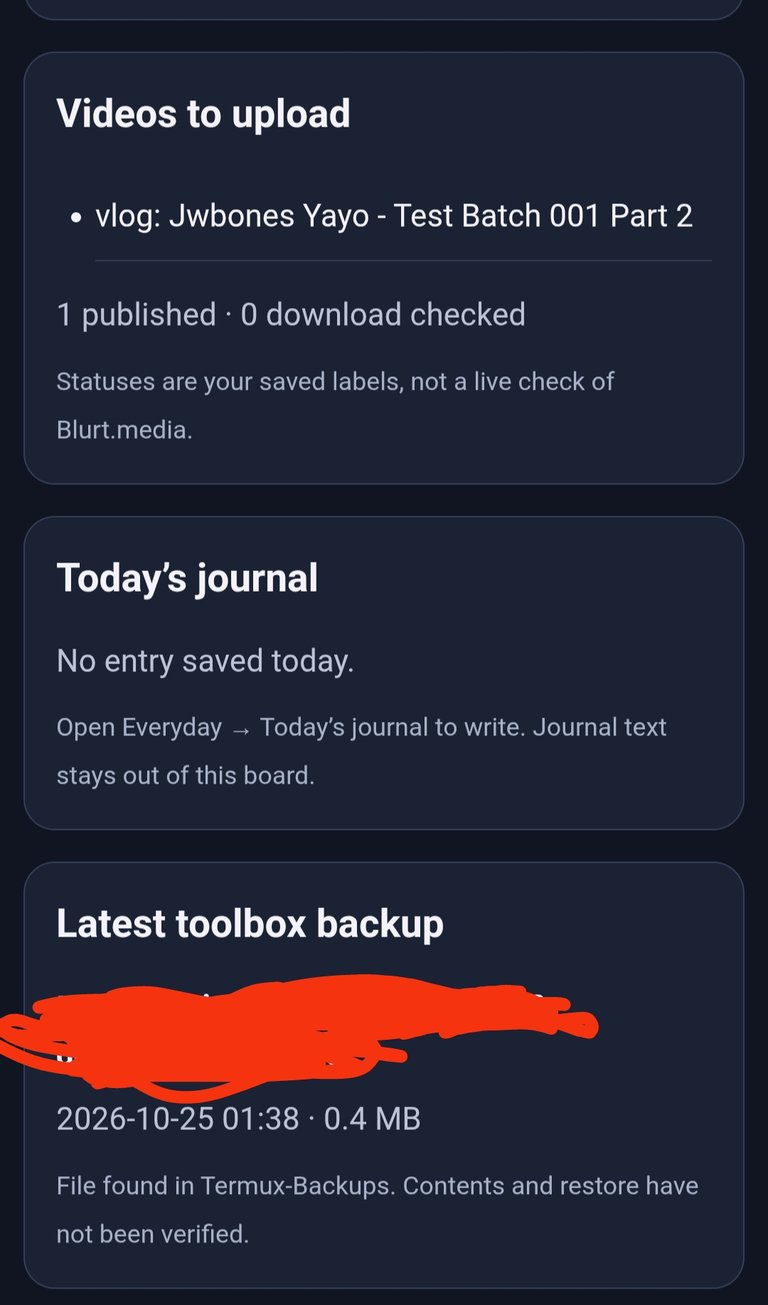
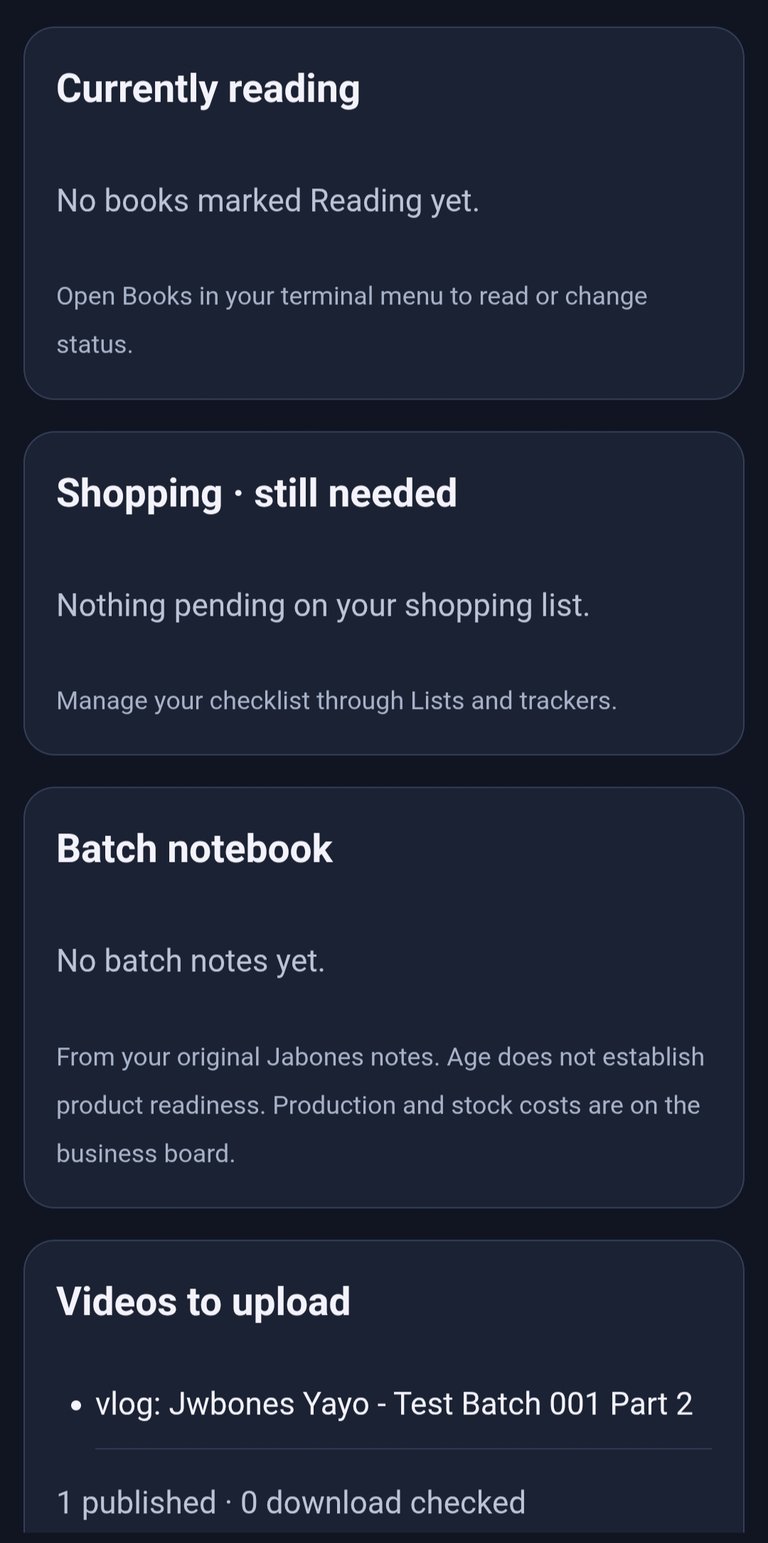
There are now three local browser boards:
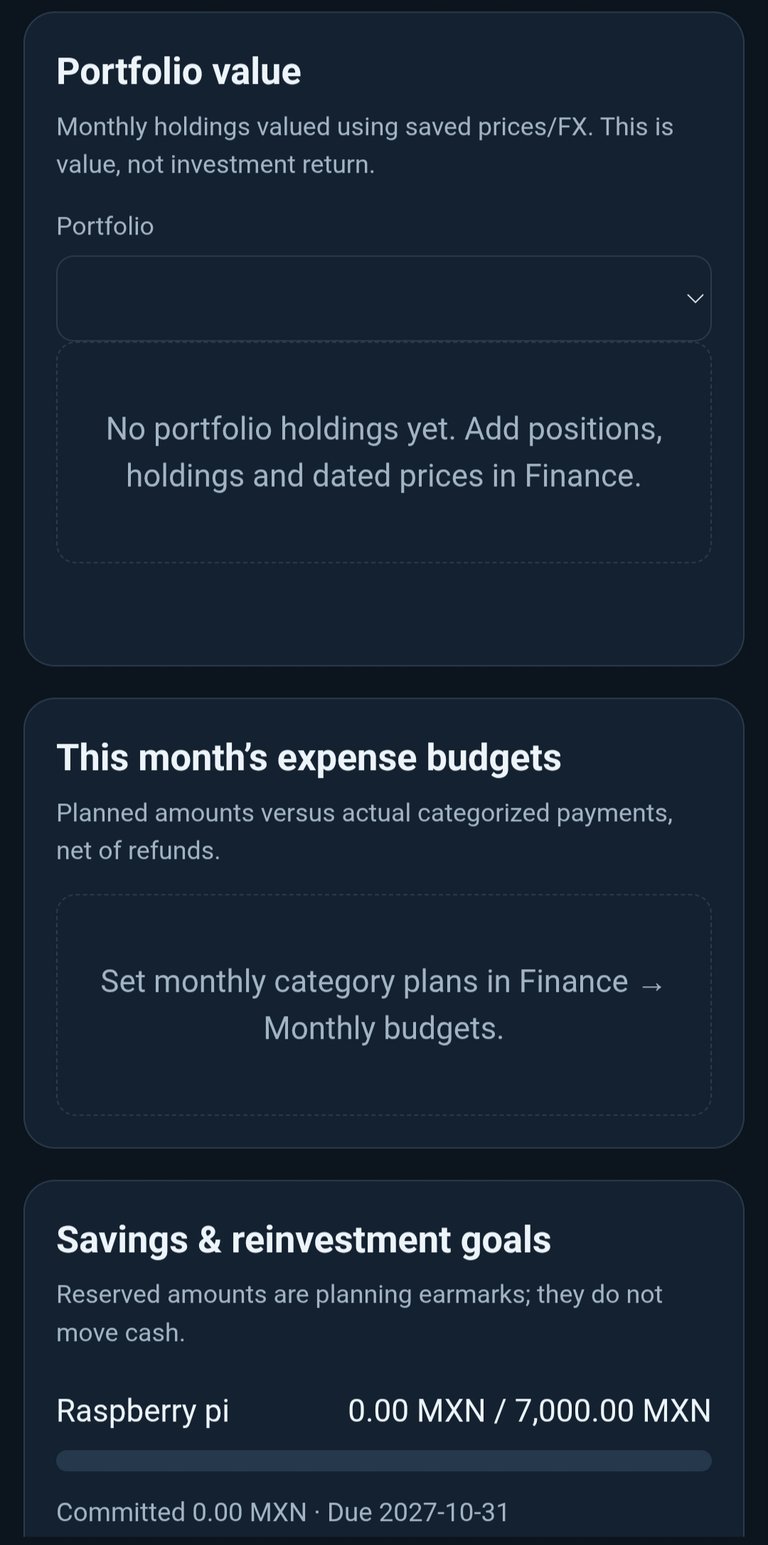
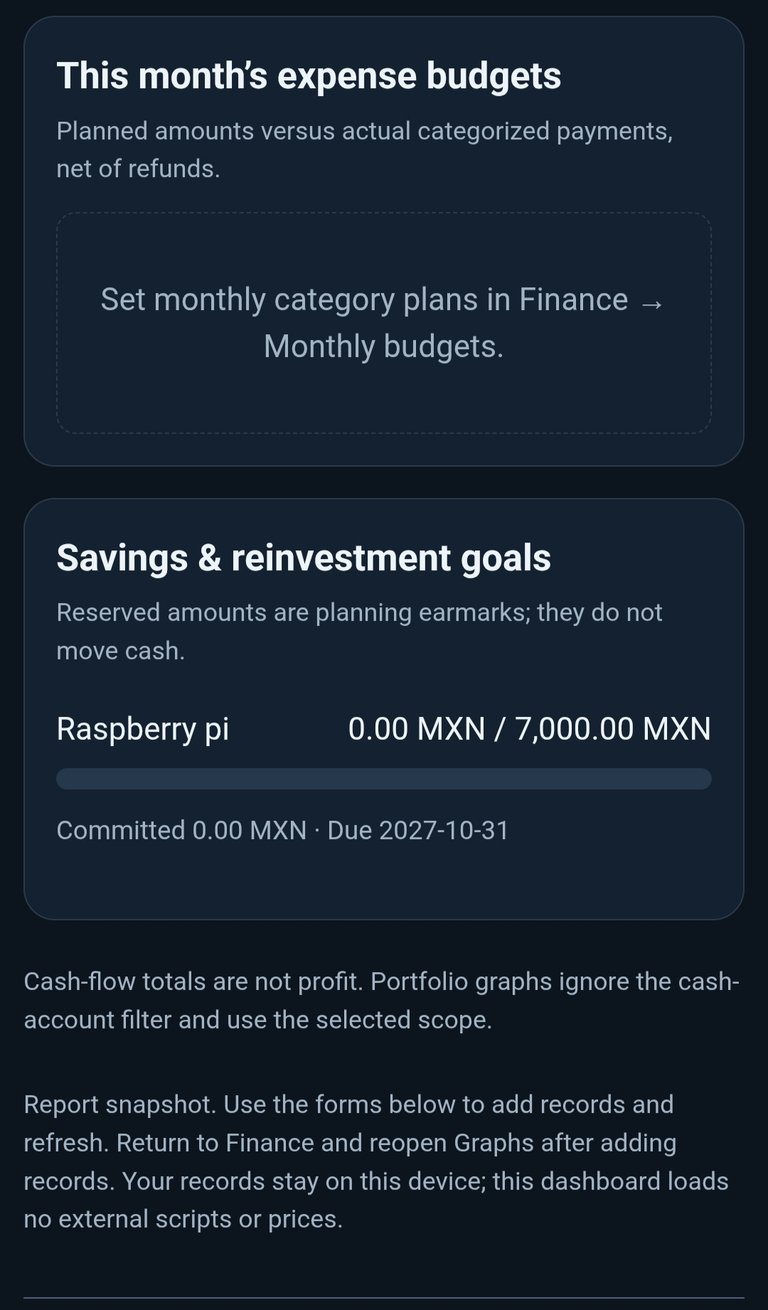
- Finance: balances, cash flow, spending, budgets, goals, and manually valued portfolios.
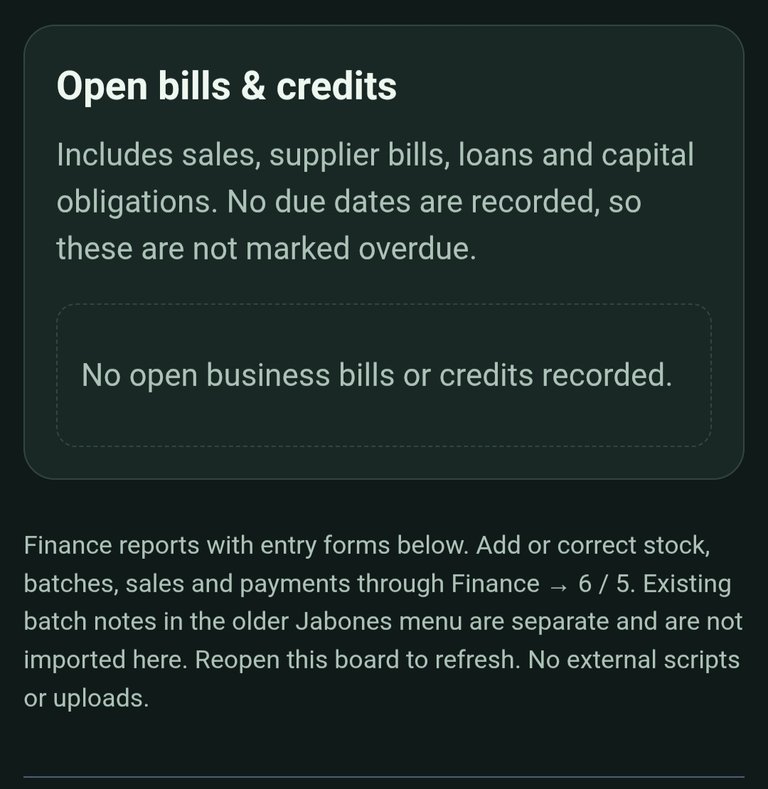
- Business: stock, production, sales, costs, and outstanding bills.
- Main toolbox: current reads, shopping, notes, journal status, batch ages, and upload tracking.
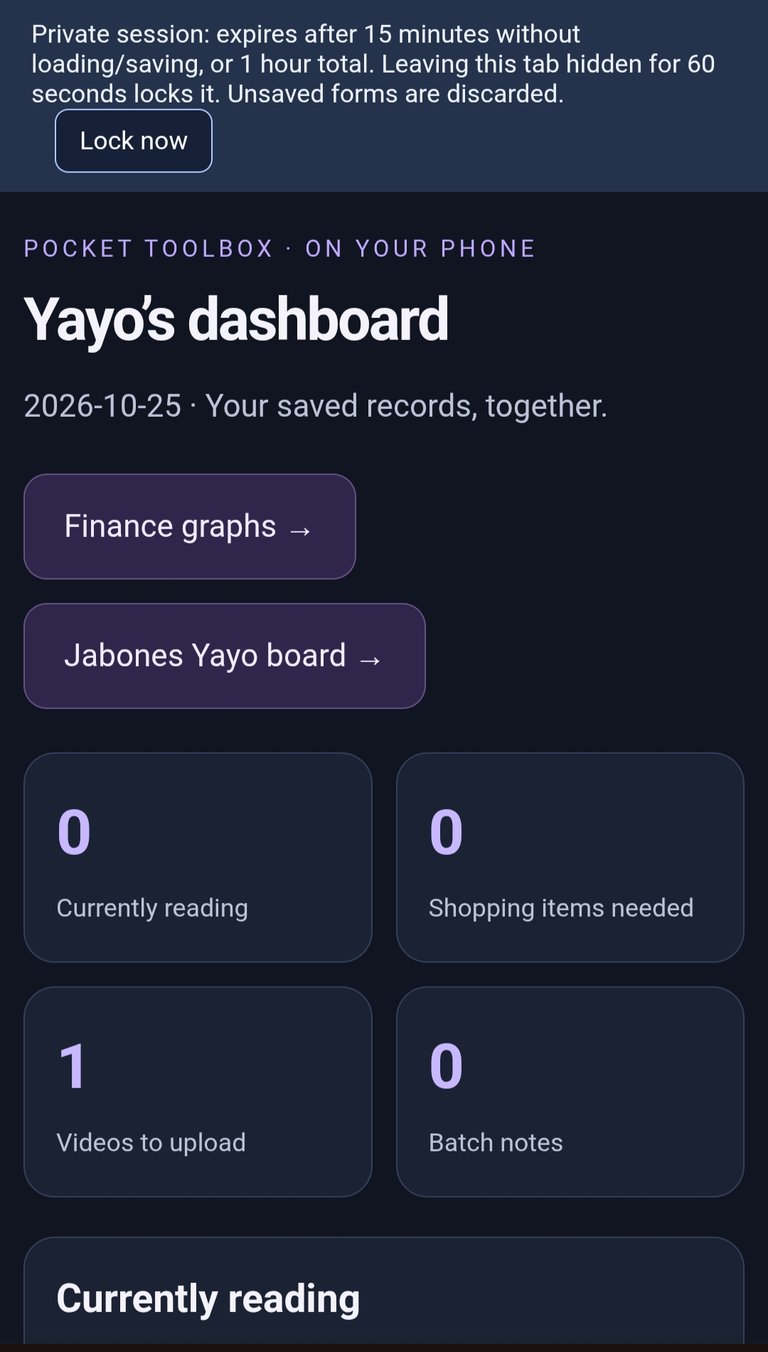
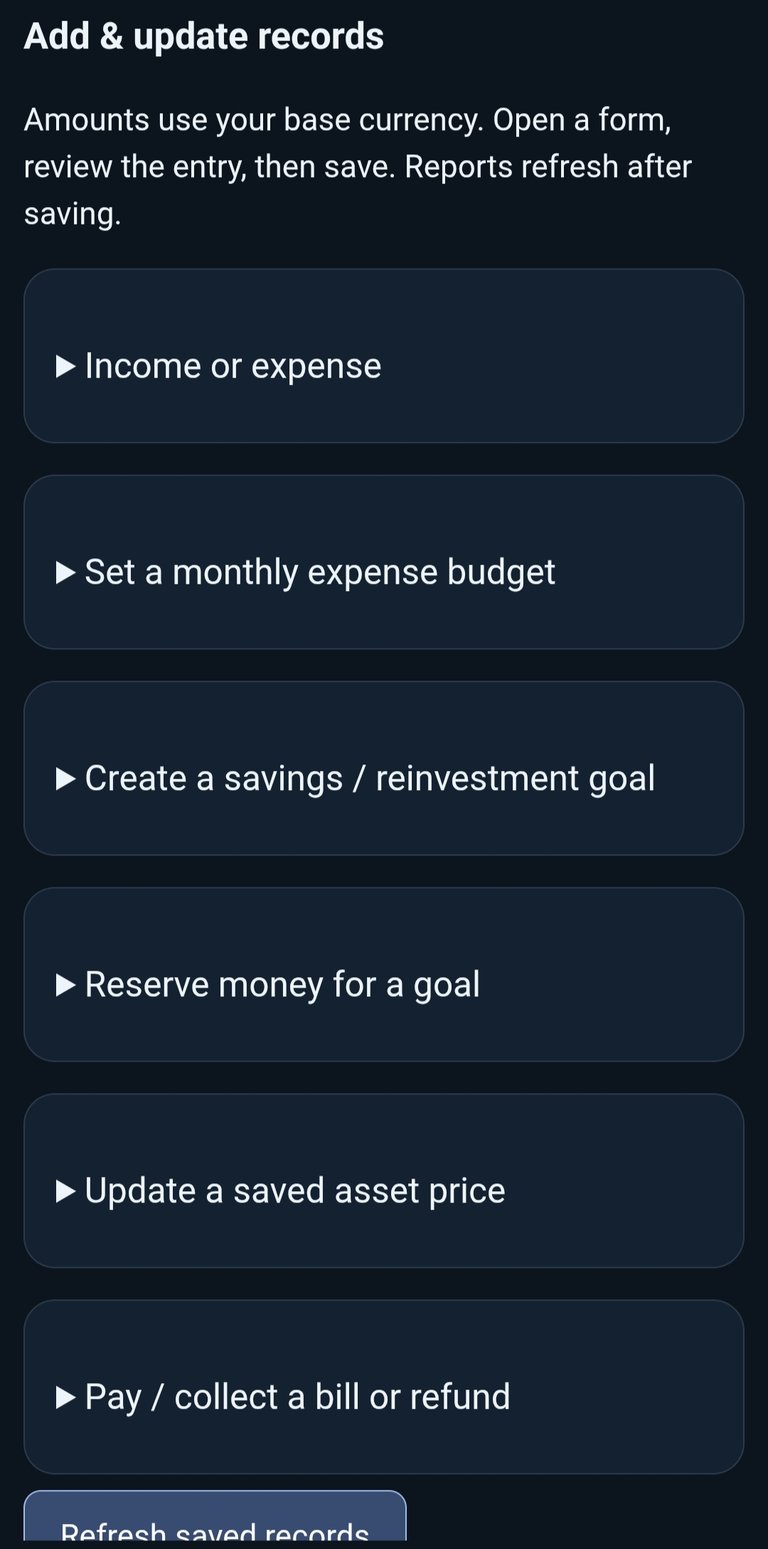
The boards also include forms for supported entries. Financial forms use Review → Save, giving you a chance to check an entry before recording it.
They open locally on your phone while Termux runs the session. They aren’t published websites.
The terminal menus remain available for detailed operations and corrections.
Encrypted backups and privacy improvements
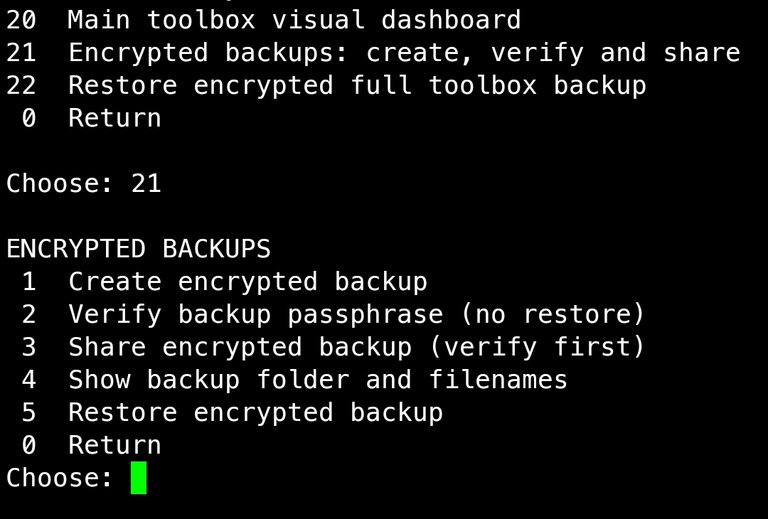
Full toolbox backups now use age passphrase encryption.
The backup menu includes options to create a backup, verify its passphrase without restoring anything, share the encrypted file through Android, and show its location.
Sharing opens Android’s chooser so you can select MEGA or another destination yourself. The toolbox doesn’t upload files automatically or confirm that another app finished uploading them.
Keep the passphrase separately. Losing it means losing access to that backup.
The browser boards also have temporary sessions, an expiry limit, and a Lock now button. Private records and finance exports use restricted file permissions inside Termux.
Live records are still not encrypted by the app. Older unencrypted backups aren’t automatically deleted, and books and media still need separate backups.
Updating the public version
The installer preserves existing settings and records. Make a backup before updating.
If you installed through the Git commands in my original post, update it in two steps.
1. Copy this command, paste it into Termux, and press Enter. Wait for it to finish.
git -C "$HOME/pocket-toolbox" pull --ff-only
2. Then copy this command, paste it into Termux, and press Enter. Follow the installer prompts.
bash "$HOME/pocket-toolbox/install.sh"
When installation finishes, open the toolbox:
pocket
If you installed from a ZIP or use a separately customized original version, follow the corresponding instructions in the repository README.
Still a beta, still yours. Always will be.
The latest automated test run passed 137 checks. Testing on more phones, readers, players, and storage setups is still needed.
The public download starts with blank records and configurable defaults. My personal journals, finances, and project records aren’t included.
The customization form is still available if you want to give ChatGPT the source and explain how you’d like your version adapted.
This update brings the financial tools I talked about into the toolbox. Now I’ve got to put them to work.
Download, documentation, customization, and support
— — @yayogerardo, writer, researcher, analyst, anarchist, autonomist, Humanoid 🃏™️
Free Email Updates
Get new articles through Simple Newsletter. Paste this feed, enter your email, and confirm:
https://hiverss.com/@muhshrooms?interface=peakd
Reading on Substack? To receive my articles by email, sign up through Simple Newsletter above instead of Substack.
Privacy Connectivity
10% off with code YAYOGERARDO
No signup, no email, no ID. Card and crypto accepted, including Monero.
Support Independent Writing
Free to read takes time and labor to create. If you value my writing and research, support the work with Monero (XMR).
Send XMR:
86fXjLUF7W9SwGSjTtsbqq4t1LKzzypEZa1t77S5c68WF3yK9SmEfzPTtRyjUhDSk9Zn7p1ahFJT4PcKW8MN4h3QRpjx2Q5
Posted via HiveSuite